Silver 3D Editable PSD Text Effect: A Designer's Shortcut to Impact
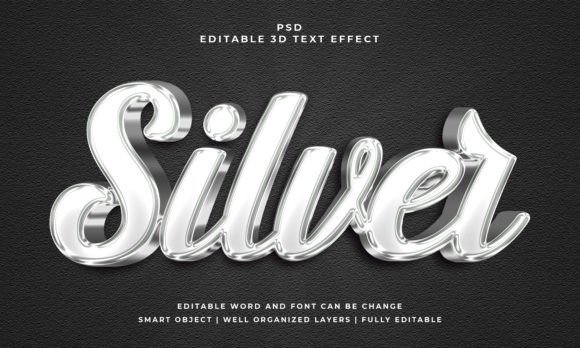
Finding the right visual treatment for a headline or logo can be a time-consuming process. You need something that catches the eye, conveys a specific mood, and integrates smoothly into your project. The Silver 3D Editable PSD Text Effect offers a practical solution. It's a pre-designed Photoshop file that applies a polished, three-dimensional silver finish to any text or shape you provide. The result is a clean, modern, and professional look that works across many different contexts.
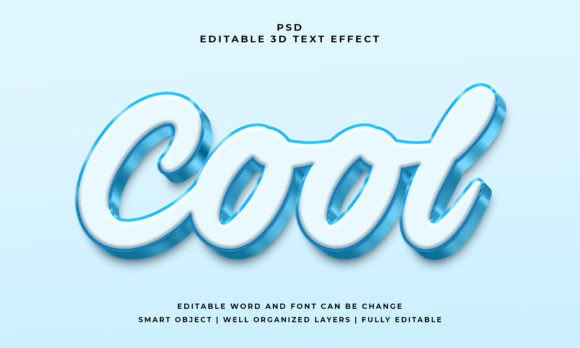
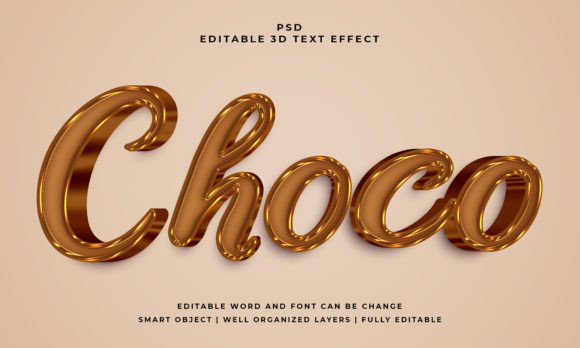
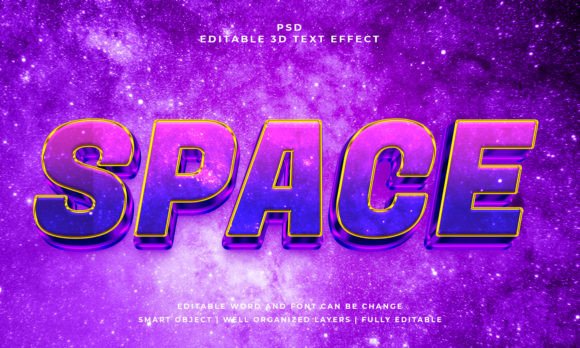
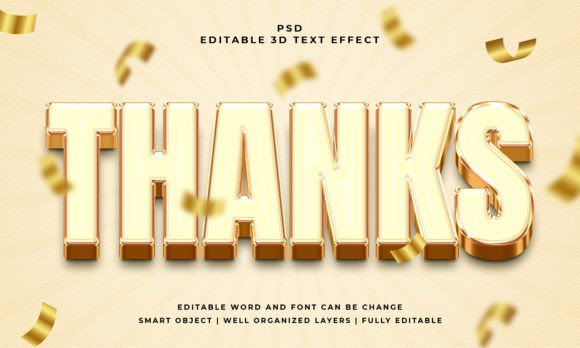
This isn't just a static image. The file is built around a smart object, which is the key to its flexibility. You simply open the PSD, click on the designated smart object layer, replace the placeholder text with your own, save, and the 3D silver effect updates automatically. It works with text, vector shapes, or any custom shape you create. The visual style is characterized by clean edges, subtle bevels, and a metallic sheen that avoids looking gaudy. It strikes a balance between contemporary digital aesthetics and a touch of luxury, making it suitable for projects that need to feel current but not overly trendy.
Where This Text Effect Truly Shines
The versatility of the Silver 3D Editable PSD Text Effect is one of its strongest points. For logo design and brand identity, it can be used to create impactful monograms, wordmarks, or taglines that need to stand out. Imagine a tech startup, a consulting firm, or a high-end e-commerce brand using this effect for their primary mark. It immediately communicates a sense of precision and value.
In marketing and social media graphics, where capturing attention in a crowded feed is paramount, this effect is invaluable. Use it for sale announcements, event promotions, or key call-to-action phrases in your graphics. The 3D depth helps the text pop off the background, improving visual hierarchy and ensuring your message isn't missed. For publishers and content creators, it can elevate chapter titles in an ebook, create striking section headers in a digital magazine, or design engaging thumbnails for video content.
Don't overlook its potential in packaging design and editorial design. A product name rendered with this silver effect can add perceived value to a label or box. Similarly, a feature article title in a print or digital publication can benefit from this treatment to draw readers in. Even for personal projects like custom invitations, certificates, or hobbyist crafts, the effect provides a professional finish with minimal effort.
Practical Guidance for Implementation
Before committing to any design asset, it's wise to evaluate its fit. Consider the overall mood of your project. The silver 3D effect has a sleek, almost industrial or futuristic personality. It pairs best with clean, modern layouts. If your project has a very organic, rustic, or handwritten aesthetic, this effect might create a visual clash.
When you download the file, you'll find it includes a PSD file and a JPEG preview. The PSD is where all the editing happens. The layers are well-organized, which is a sign of a quality asset. You can adjust the font and text directly within the smart object. While the effect is 100% editable, changing the underlying color or texture of the silver might require a bit more advanced Photoshop knowledge.
Think about font pairing. This effect is a bold display choice. It works well when paired with simpler, neutral body text. For example, using the silver 3D effect for your main headline and a clean sans serif font for paragraph text creates a strong, readable contrast. Avoid pairing it with another highly decorative or script font, as that can lead to visual clutter.
Always test readability. At its full 2000x1200 pixel size, the effect is crisp. However, if you scale it down significantly for a small icon or a dense block of text, the 3D details might become muddy. Use it for headlines, titles, and short phrases where the detail can be appreciated. For body copy, stick to standard serif fonts or sans serif fonts optimized for long-form reading.
Finally, check the licensing. The included files suggest this is a premium font asset, meaning it's likely intended for commercial use. Always review the specific license terms that come with your download to ensure you're using it correctly for client work, products for sale, or other commercial projects. This due diligence protects you and respects the creator's work.
In summary, the Silver 3D Editable PSD Text Effect is a specialized tool. It's not a replacement for a full typeface, but rather a powerful effect to add to your toolkit for specific situations where a modern, metallic, three-dimensional look is needed. Its ease of use through smart objects makes it accessible, while its polished result can elevate the professionalism of your designs. When used thoughtfully and in the right context, it's an effective way to create memorable visual statements.