Elevate Your Design with Beauty 3D Editable Text Effects
In the crowded landscape of digital content, capturing attention requires more than just good copy; it demands visual impact. This is where the Beauty 3D Editable Text Effect steps in. Unlike standard typography, this asset is a fully realized design tool that transforms flat text into a dynamic, three-dimensional statement. It is a pre-styled, high-fidelity effect designed to give your headlines, logos, and social graphics immediate depth and personality. For creators who need professional results without spending hours on complex layer styles and lighting setups, this effect offers a polished, realistic 3D finish right out of the box.
Visual Characteristics and Design Appeal
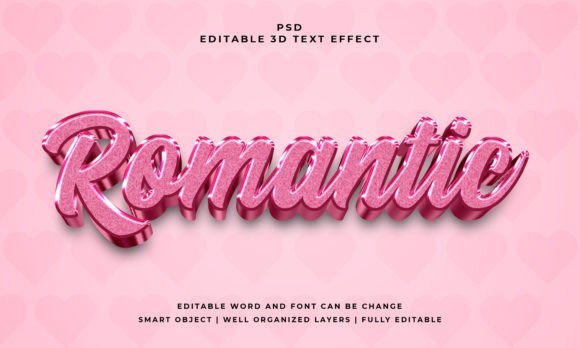
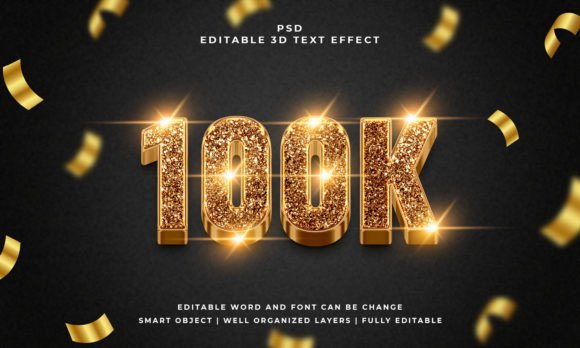
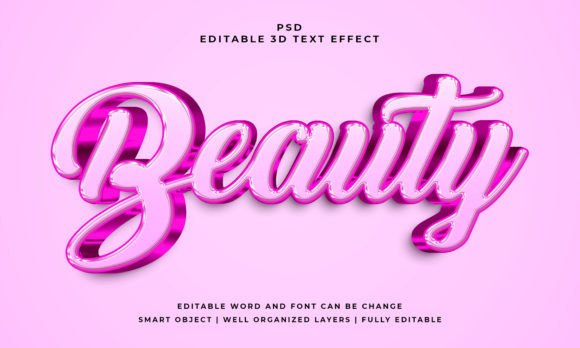
The core of the Beauty 3D Editable Text Effect lies in its sophisticated rendering. At a resolution of 2000x1200 pixels, the effect provides a crisp, high-definition canvas suitable for both digital screens and moderate print formats. The visual style is clean yet impactful, utilizing RGB color settings to ensure vibrant display across web and social platforms. The layers are meticulously organized, meaning the "beauty" of the effect comes from its realism—proper shadows, highlights, and bevels that create a convincing illusion of depth.
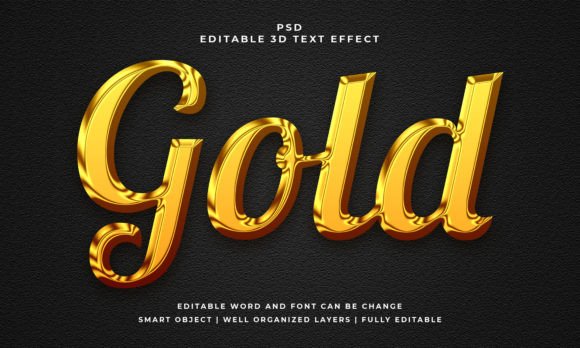
This is not a static JPEG overlay. It is a 100% editable text solution provided in a PSD format. The use of Smart Objects means that the 3D geometry is tied to your specific letterforms. Whether you are using a sans serif font for a modern tech look or a serif font for a classic editorial vibe, the effect adapts to the shape of the text. This versatility allows it to serve as a premium font enhancer, elevating standard typefaces into custom display typography. The personality of the asset is one of versatility; it can look playful and glossy for a children’s brand or metallic and industrial for a corporate identity, depending on the base font you apply it to.
Strategic Applications for Maximum Impact
Understanding where to deploy the Beauty 3D Editable Text Effect is key to maximizing its value. Because it works with text, vector shapes, or any kind of shape, its applications are broad.
- Brand Identity and Logo Design: For startups or small businesses looking to create a memorable mark, this effect can turn a simple logotype into a standalone icon. It helps in establishing a brand identity that feels established and professional.
- Social Media and Web Design: In the fast-scrolling environment of Instagram or TikTok, flat text often gets ignored. Using this 3D effect on thumbnails, story headers, or website banners increases visual hierarchy, guiding the viewer’s eye exactly where you want it.
- Packaging and Editorial Design: In packaging design, shelf appeal is everything. A 3D text effect can highlight product names on mockups. Similarly, in editorial design, such as magazine covers or digital newsletters, it provides a strong focal point for headlines.
- Personal and Commercial Projects: From t-shirt mockups for print-on-demand businesses to invitations for personal events, the ease of use makes it accessible for hobbyists and content creators alike.
The ability to use this with vector shapes also opens doors for graphic design elements beyond text. You can apply the 3D effect to icons, badges, or abstract shapes to create cohesive design assets for a campaign.
Practical Guide to Implementation and Pairing
Adopting new design assets into a workflow should be seamless. The Beauty 3D Editable Text Effect is designed with a "plug-and-play" philosophy. You simply open the PSD file, locate the Smart Object layer, replace the placeholder text, and save. The effect updates automatically. This efficiency is crucial for marketers and entrepreneurs who need to produce high-quality visuals quickly.
Evaluating Fit and Readability
While the effect is visually striking, context matters. As a display font enhancer, it is best suited for headlines, titles, and short bursts of text. It is not intended for body copy, where the 3D complexity could hinder readability. When evaluating project fit, consider the background. A complex 3D text effect requires a relatively clean background to stand out; placing it over a busy photograph might create visual clutter.
Font Pairing Strategies
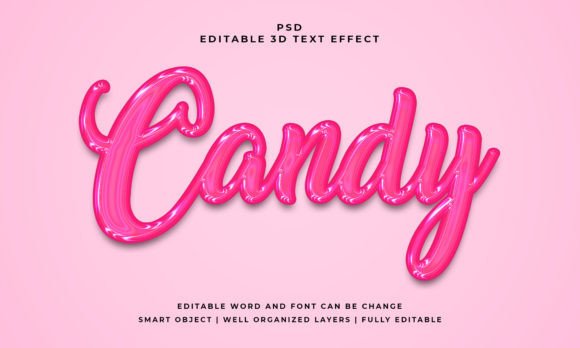
The success of this effect relies heavily on the font pairing. If you apply the effect to a bold, geometric typeface, the result feels modern and tech-forward. If you use a script font or handwritten font, the 3D effect adds a whimsical, candy-like quality perfect for event invitations or lifestyle blogs. The key is to pair your stylized 3D headline with a clean, neutral body font—such as a simple sans serif font—to maintain visual hierarchy and professionalism.
Workflow and Licensing
Always review the included files and licensing. This package includes the PSD file and a JPEG preview, ensuring you have the working file and a reference image. For small business owners, ensuring that a commercial font or asset is properly licensed for client work is a standard part of professional practice. By utilizing well-organized layers, you maintain full control over the final output, ensuring that the typography aligns with the specific needs of your project, whether it is digital advertising or physical merchandise.